★ 4.4 · 34 ratings · Free on iPhone
Scan it. Sign it. Send it.
Turn your iPhone into a powerful PDF scanner and document manager. Crisp PDFs, OCR text recognition and e-signatures — all in one app.
A look inside the app
Seven screens, from your first scan to a signed, shared PDF.
01
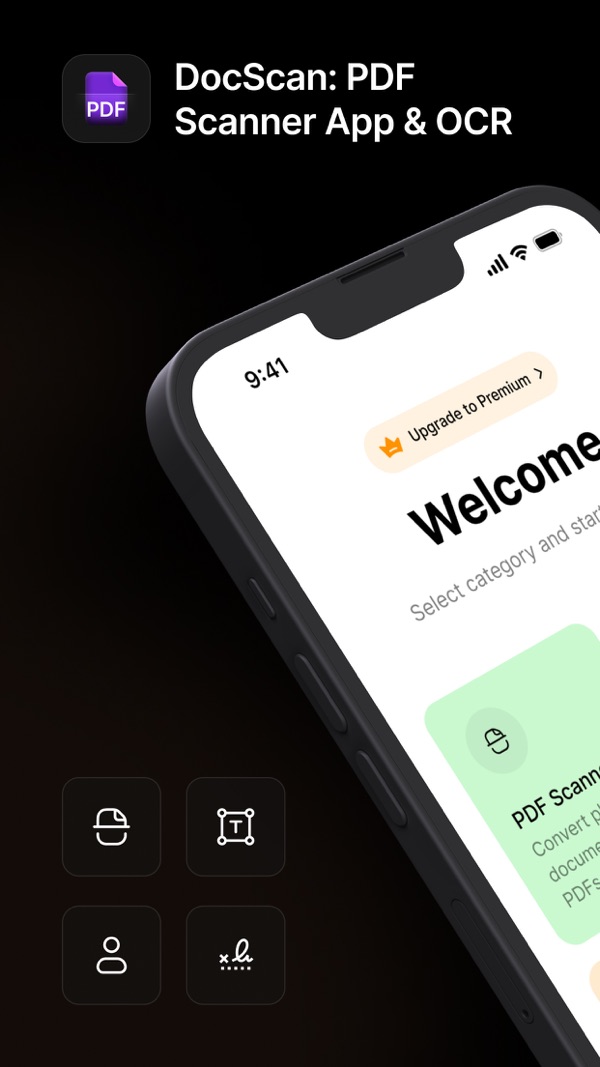
Everything starts here
Pick PDF Scan, OCR, ID Scan or Signature from the welcome screen.
02
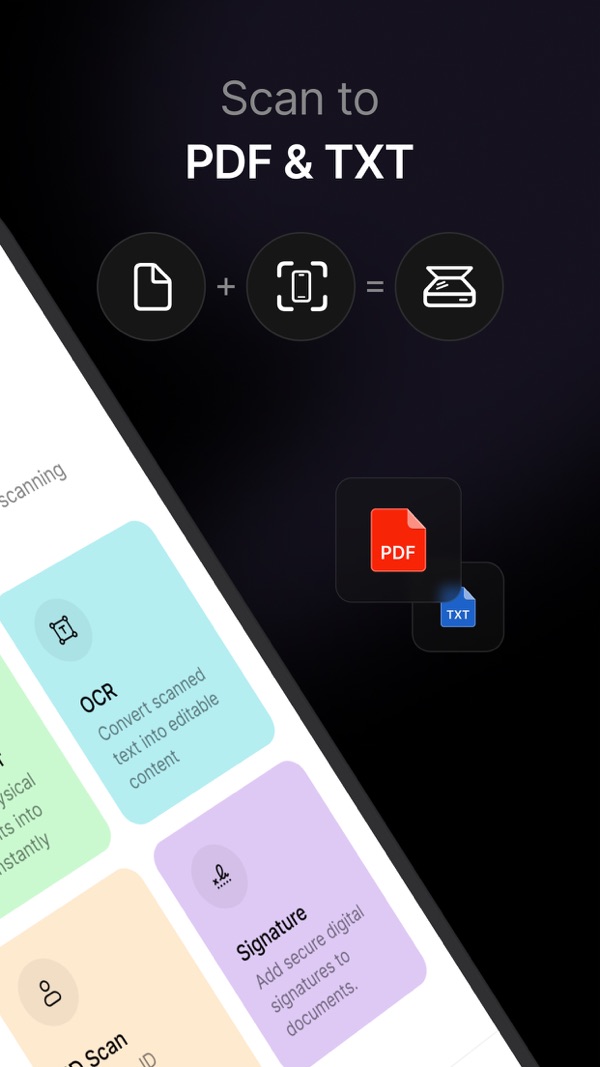
Scan to PDF & TXT
Point your camera at paper and get a PDF, a text file, or both.
03
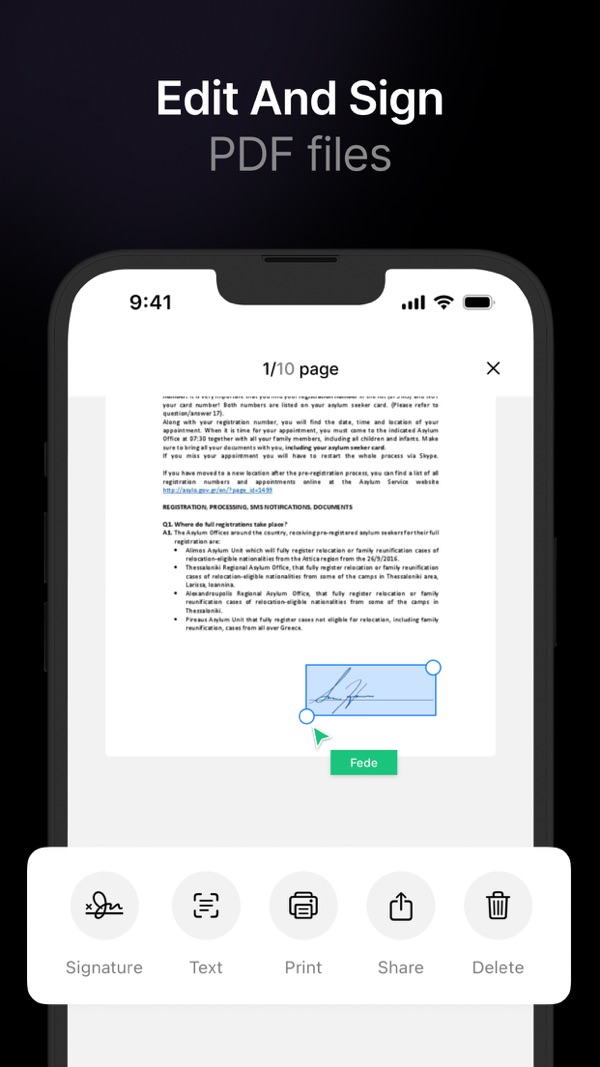
Edit and sign
Drop your signature onto any page, then print, share or extract text.
04
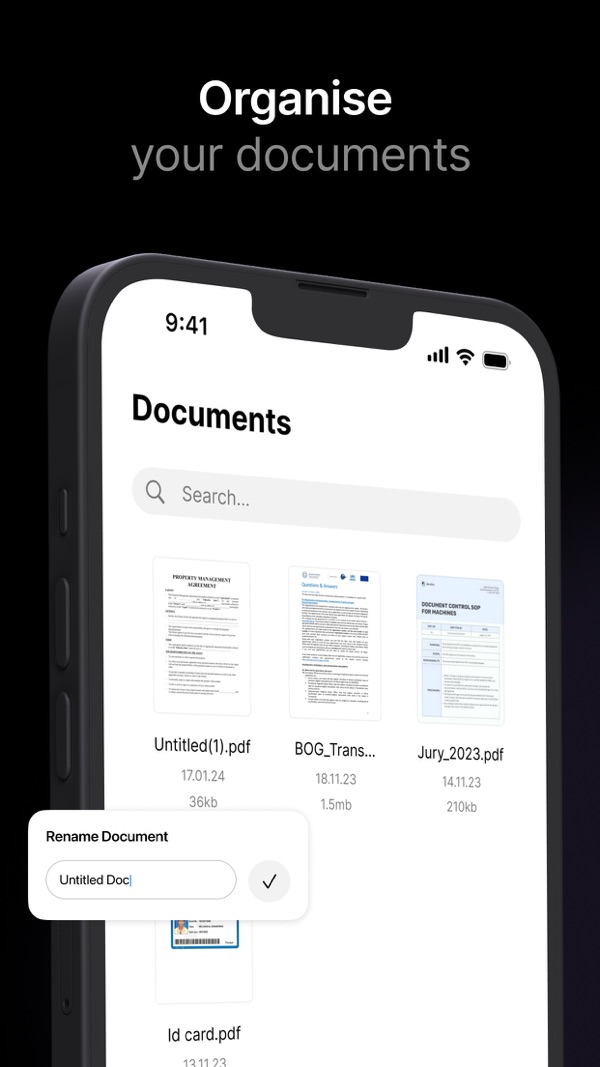
Organize your documents
Search, rename and browse all your scans in one tidy library.
05
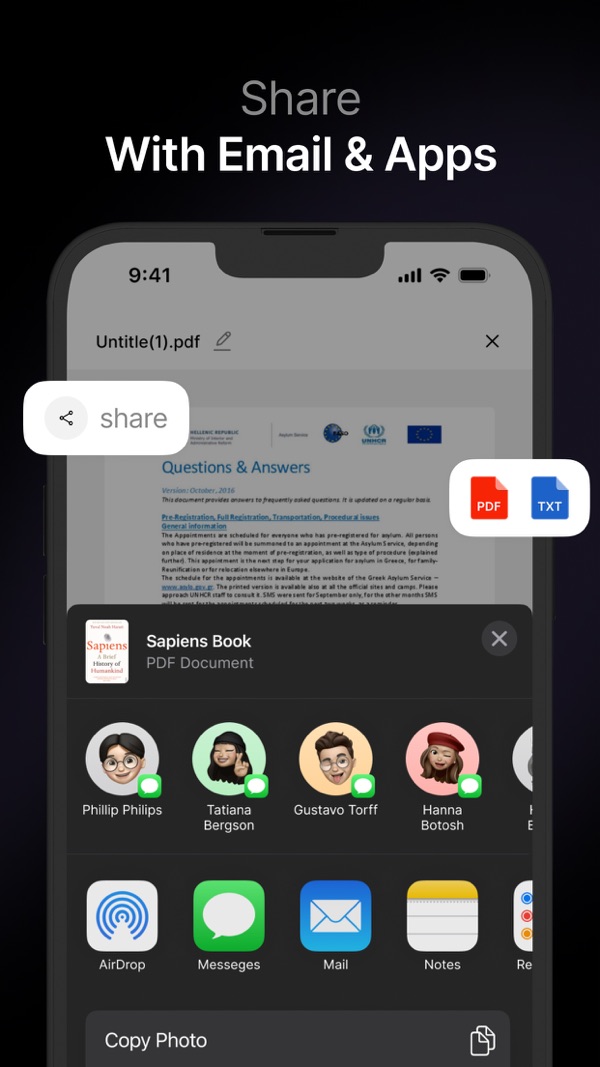
Share with email & apps
Send as PDF or TXT through AirDrop, Messages, Mail, Notes and more.
06
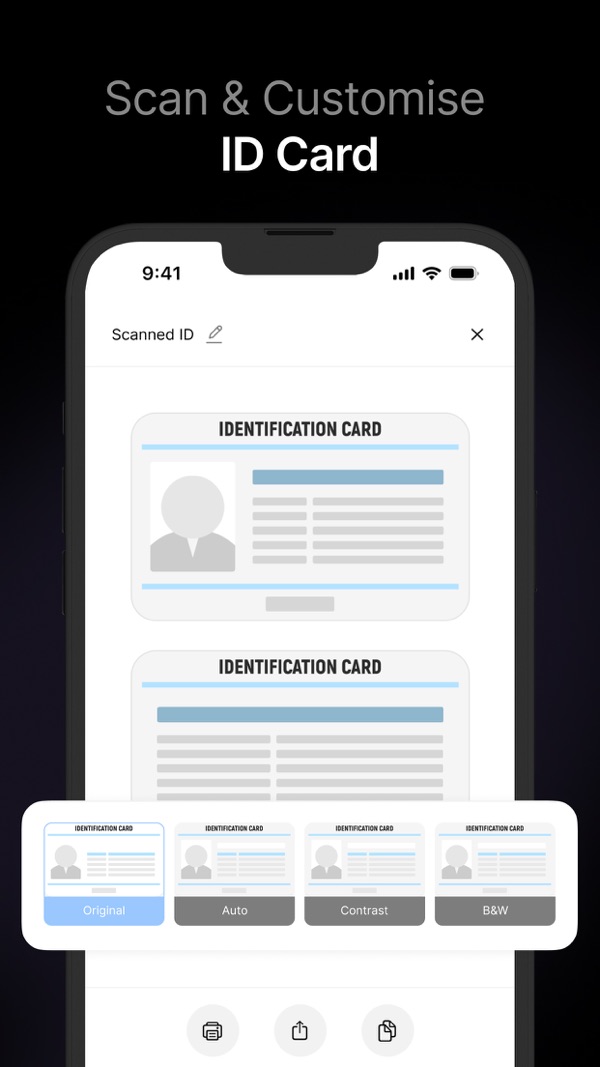
Scan your ID card
Capture both sides and pick the filter that reads best.
07
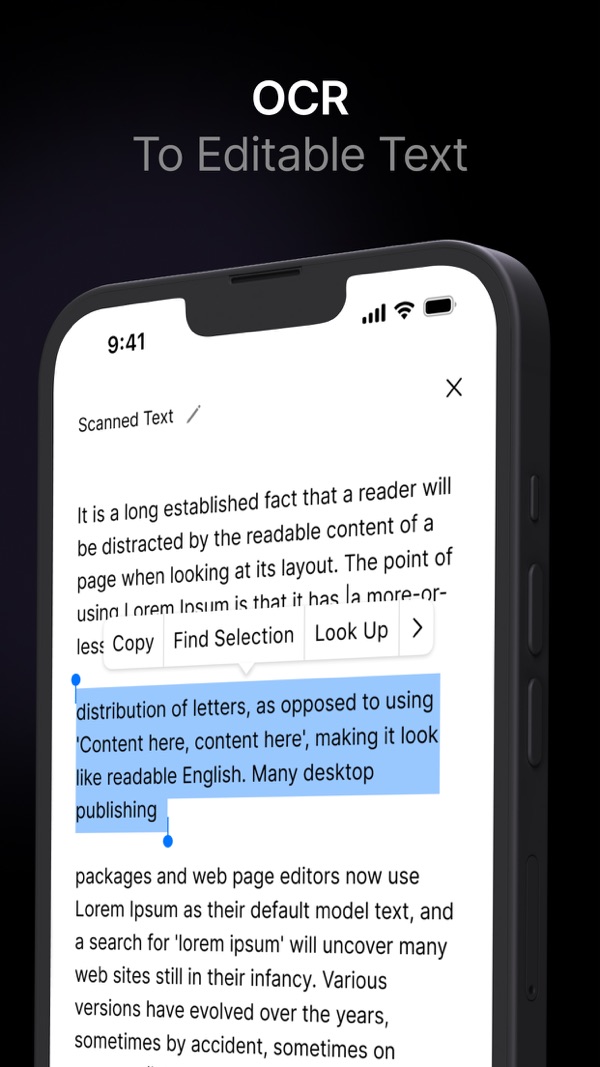
OCR to editable text
Select, copy and look up words from any scanned page.
Less paper. More done.
- ✦All-in-one. Scan, edit, sign and organize documents in a single app.
- ✦Fast & accurate. High-speed scanning with OCR technology for precise text.
- ✦User-friendly. Designed for quick, hassle-free use at work, school or home.
- ✦Save time & paper. Go paperless and manage your documents digitally.
Everything your documents need
Quick scans, crisp PDFs
Scan documents, photos and paper files into crystal-clear, high-quality PDFs in seconds.
OCR text recognition
Pull the text out of any scan so you can copy, edit, save it as a text file or share it.
e-Signature in one tap
Sign contracts, agreements and forms electronically — no printer, no pen.
Photo to PDF
Turn images from your camera roll into PDFs in a couple of taps.
Edit & organize
Crop, rotate and annotate pages, rename files and keep every document easy to find.
Share anywhere
Send PDFs or text by email, iCloud, Google Drive, Dropbox, Messages and more.
What people are saying
★★★★★
Scanner function
“This app is very easy to use and makes scanning a piece of cake.”
★★★★★
Super
“Very useful app with nice functionality 👍”
Your whole filing cabinet, in your pocket.
Free on iPhone, with optional Premium for unlimited scans and OCR. Requires iOS 16 or later.
Download on the App Store